Admin Interface
An administrative interface is available for managing users, groups, and system settings. This functionality is restricted to users with administrative privileges; an admin account opens directly into this interface and does not have access to the /mydb workspace.
Overview
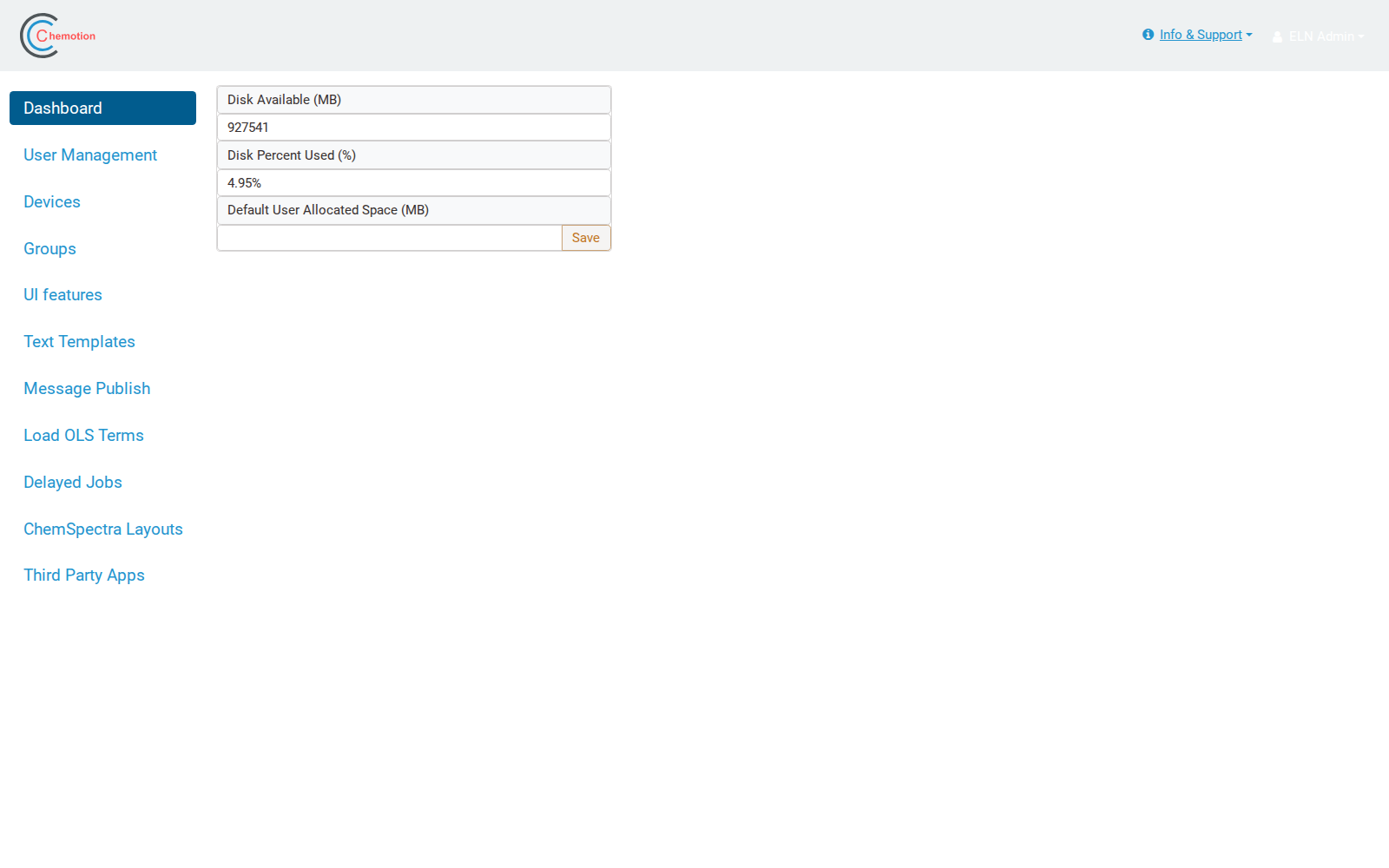
The administration interface is organized into the following sections:
- Dashboard — server disk usage and the default user allocated space.
- User Management — create, edit, lock/unlock, (de)activate and restore user accounts, set disk quotas and grant privileges (see User Management).
- Devices — register and manage devices.
- Groups — create and manage groups of users.
- UI features — enable or disable interface features.
- Text Templates — manage global text templates.
- Message Publish — broadcast messages to users.
- Load OLS Terms — load ontology terms (e.g. CHMO, RXNO).
- Delayed Jobs — monitor background jobs.
- ChemSpectra Layouts — configure ChemSpectra data-type layouts.
- Third Party Apps — register third-party applications.