Cyclic Voltammetry
Supported file formats
For Cyclic Voltammetry analysis, the Chemotion team currently supports JCAMP-DX files (*.jcamp, *.dx, *.jdx), zip (in BagIt format) files.
How to
-
To upload and view their data, users can follow this instruction.
-
Select which spectrum you want to view:
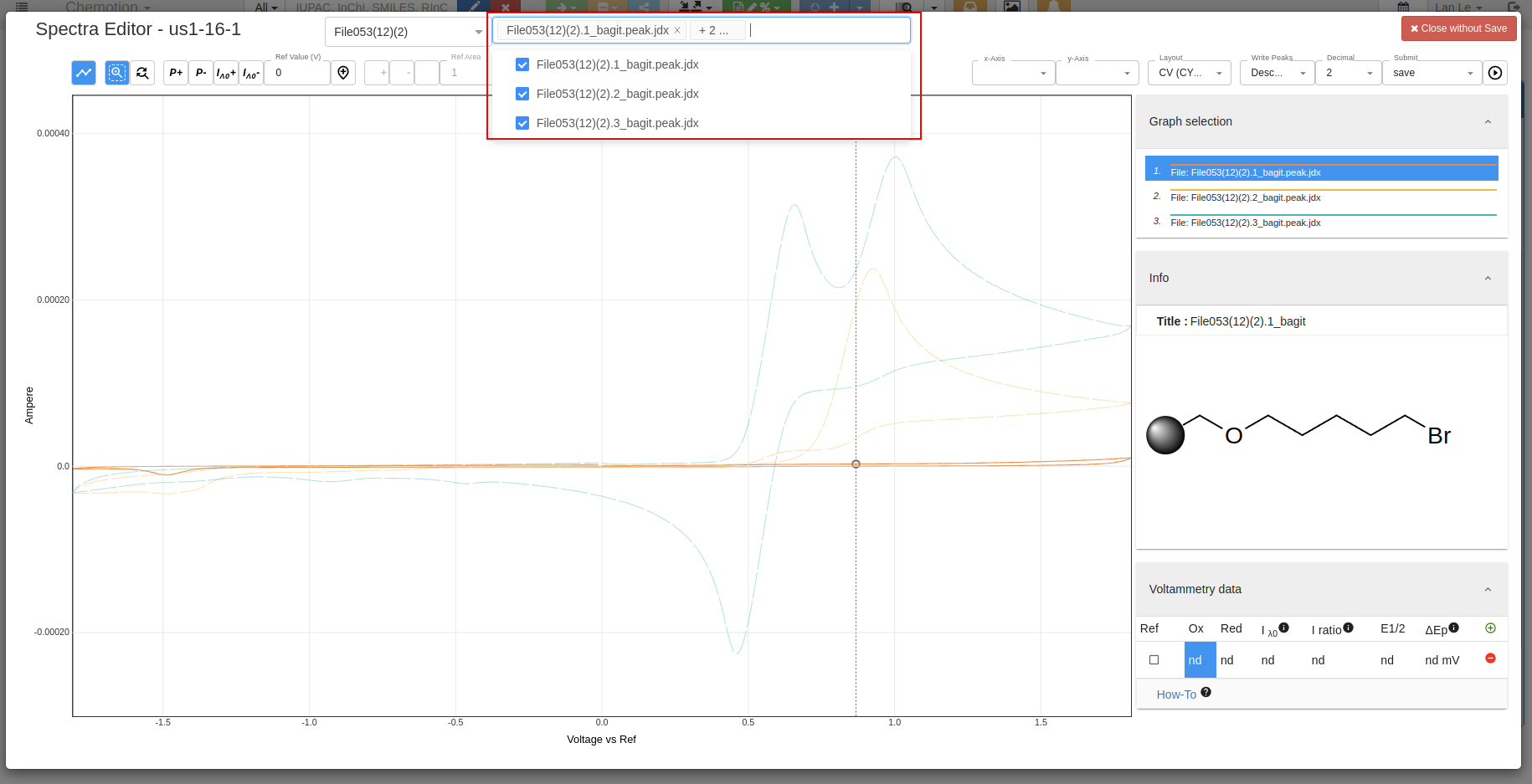
-
Select which spectrum you want to work with:
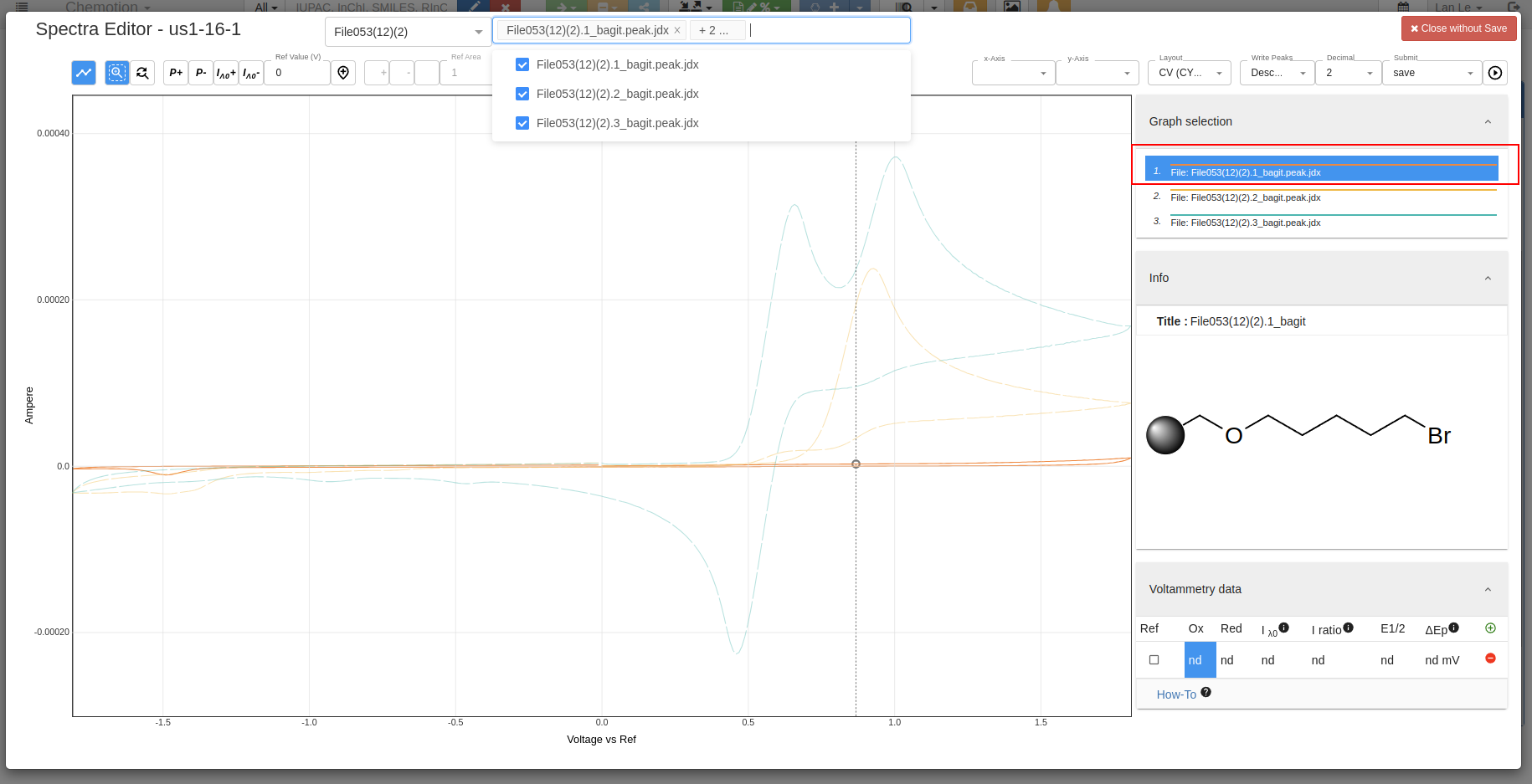
-
Select to add max and min peaks:
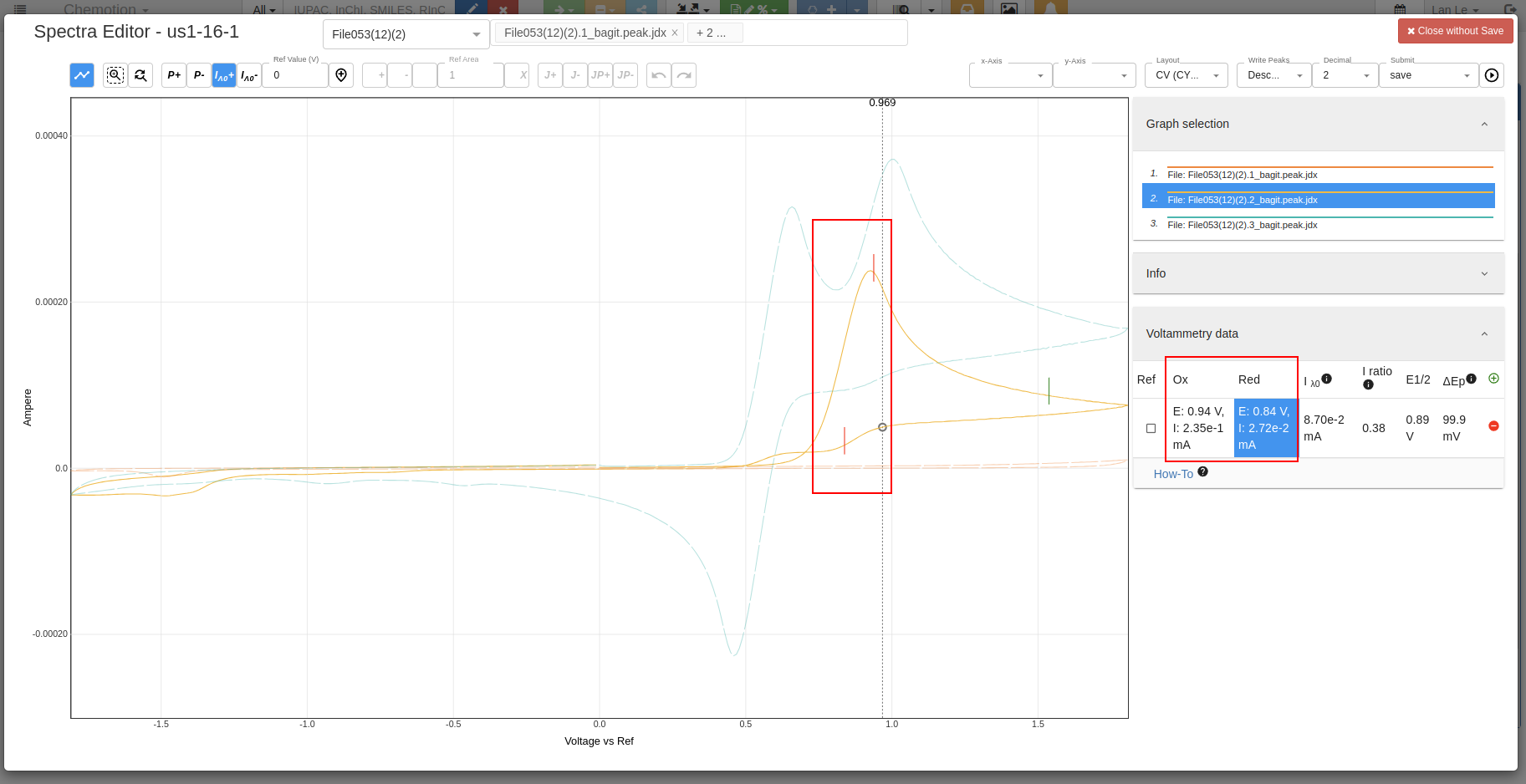
-
Select to add pickers:
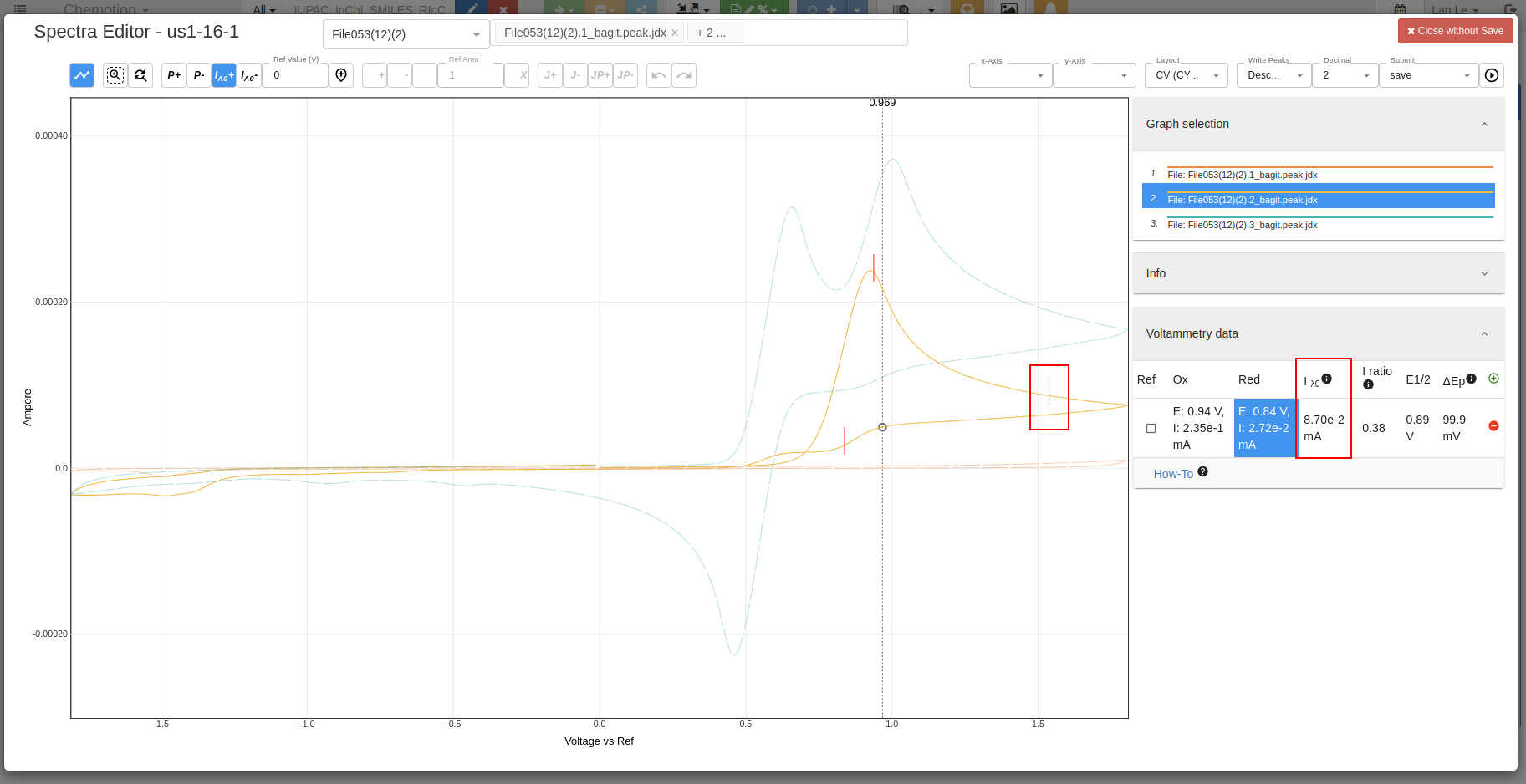
-
Add or delete peaks:
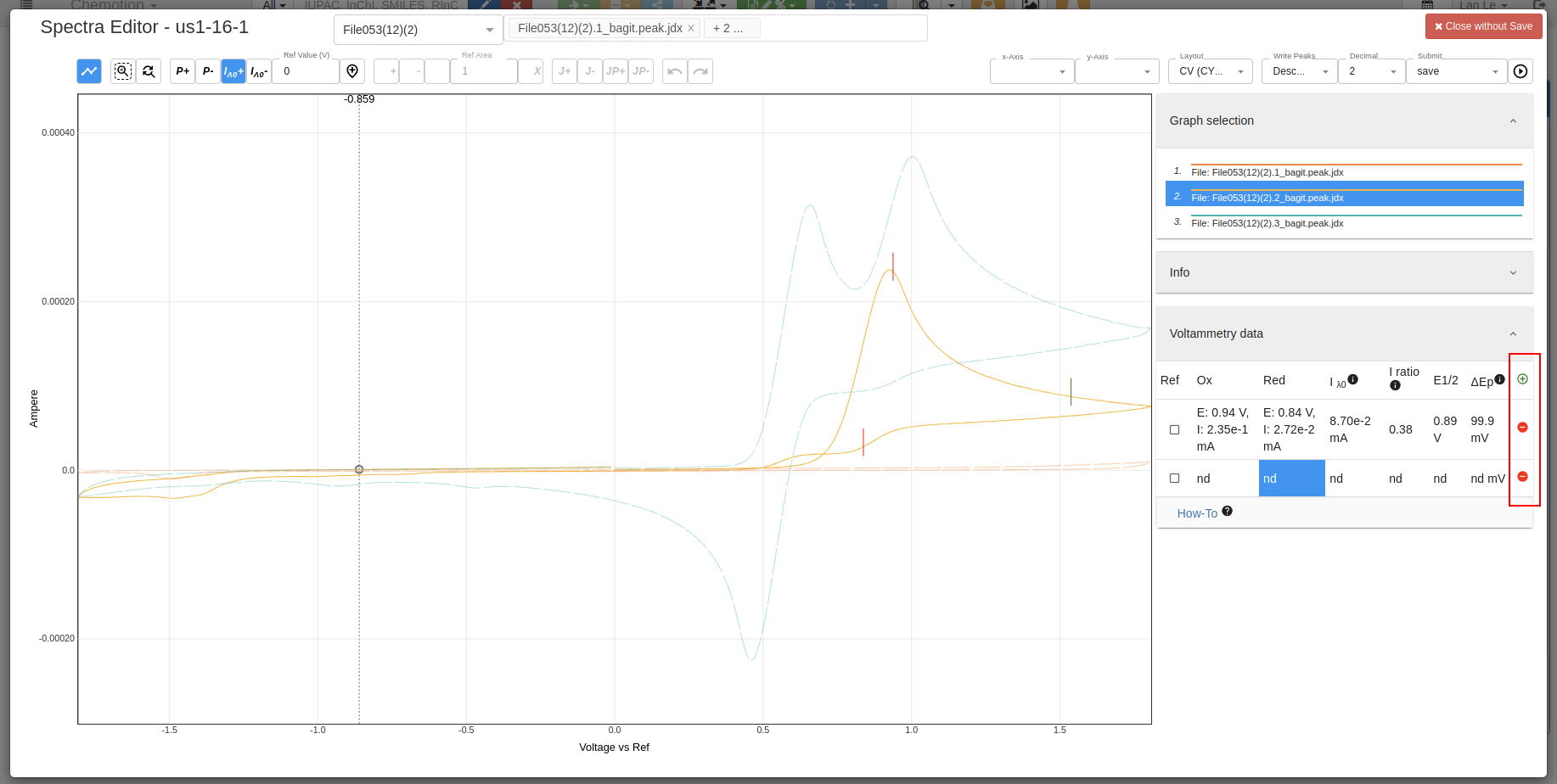
-
Add reference value:
- Values before set reference:
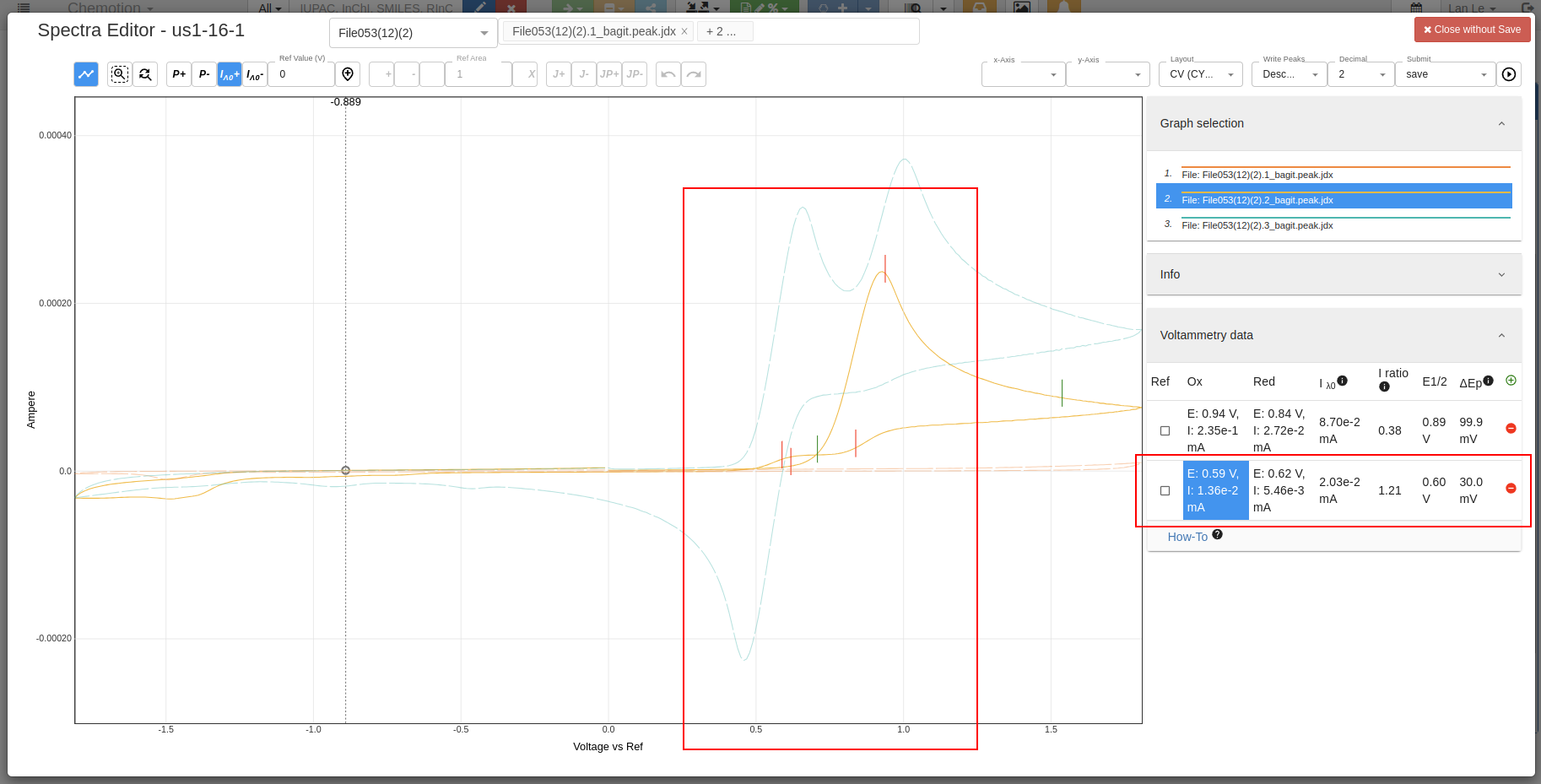
- Select reference value by using check box, then click on
Set Referencebutton: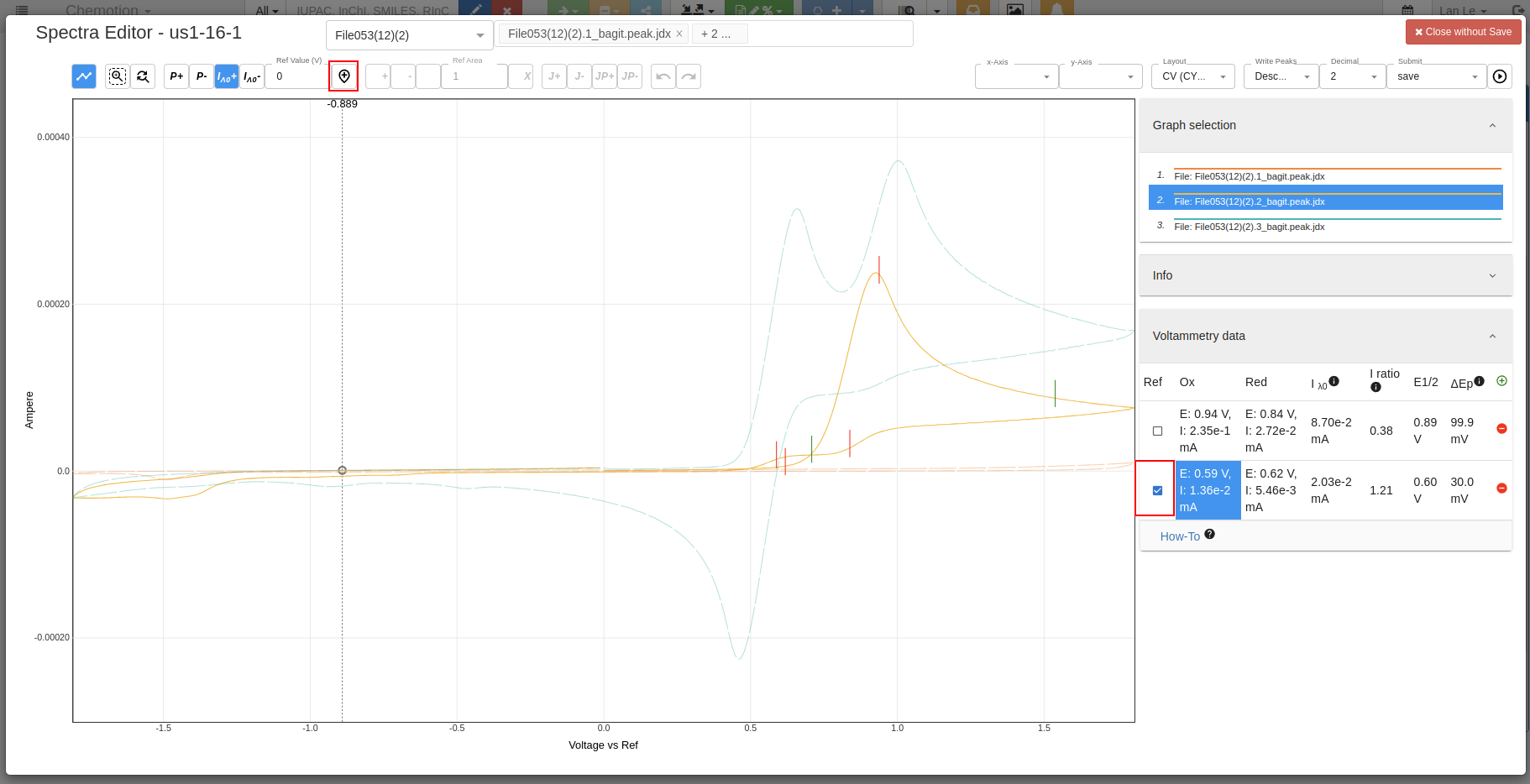
- The values and plot of the spectrum are shifted based on the reference value after clicking on the
Set Referencebutton: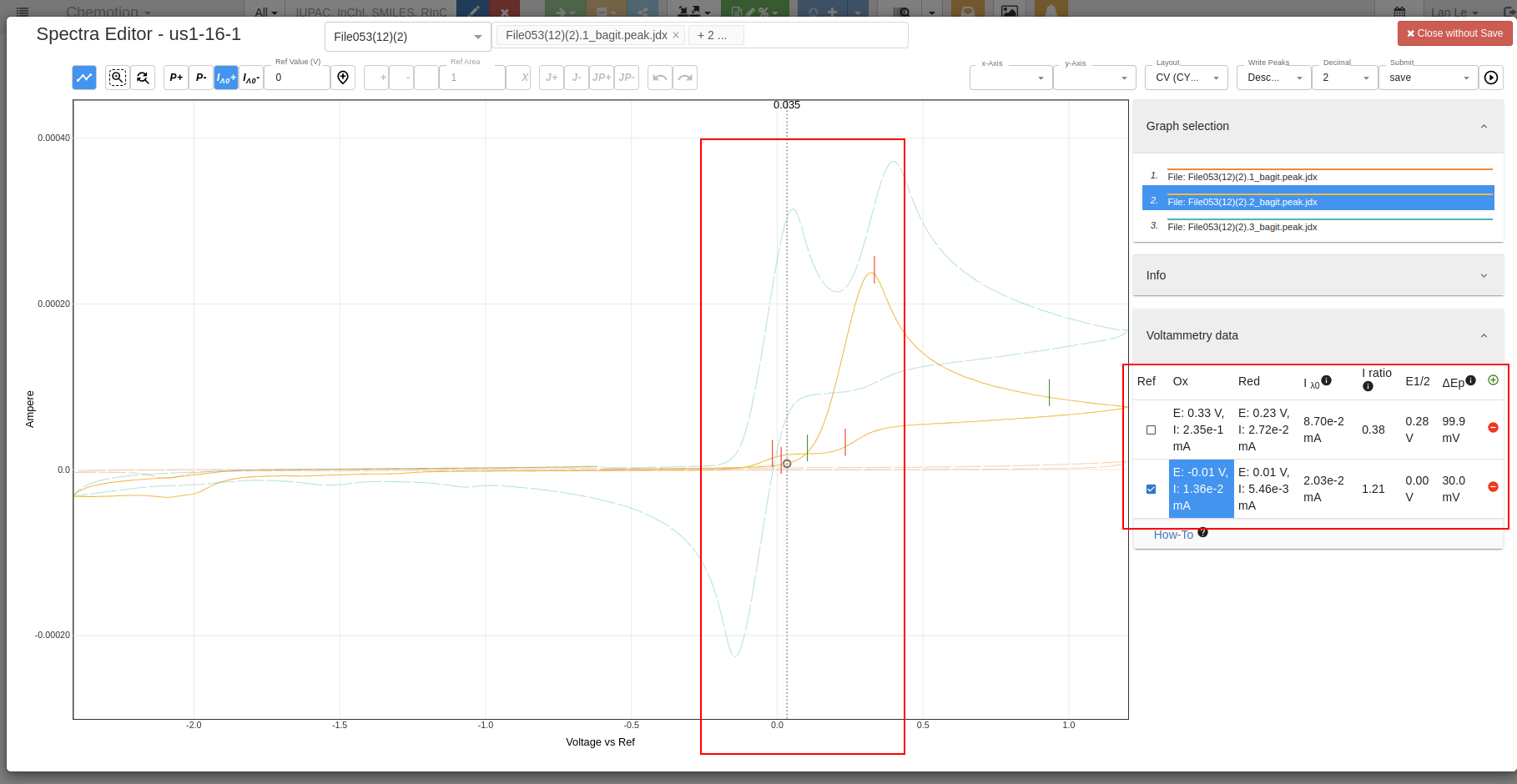
- Values before set reference:
-
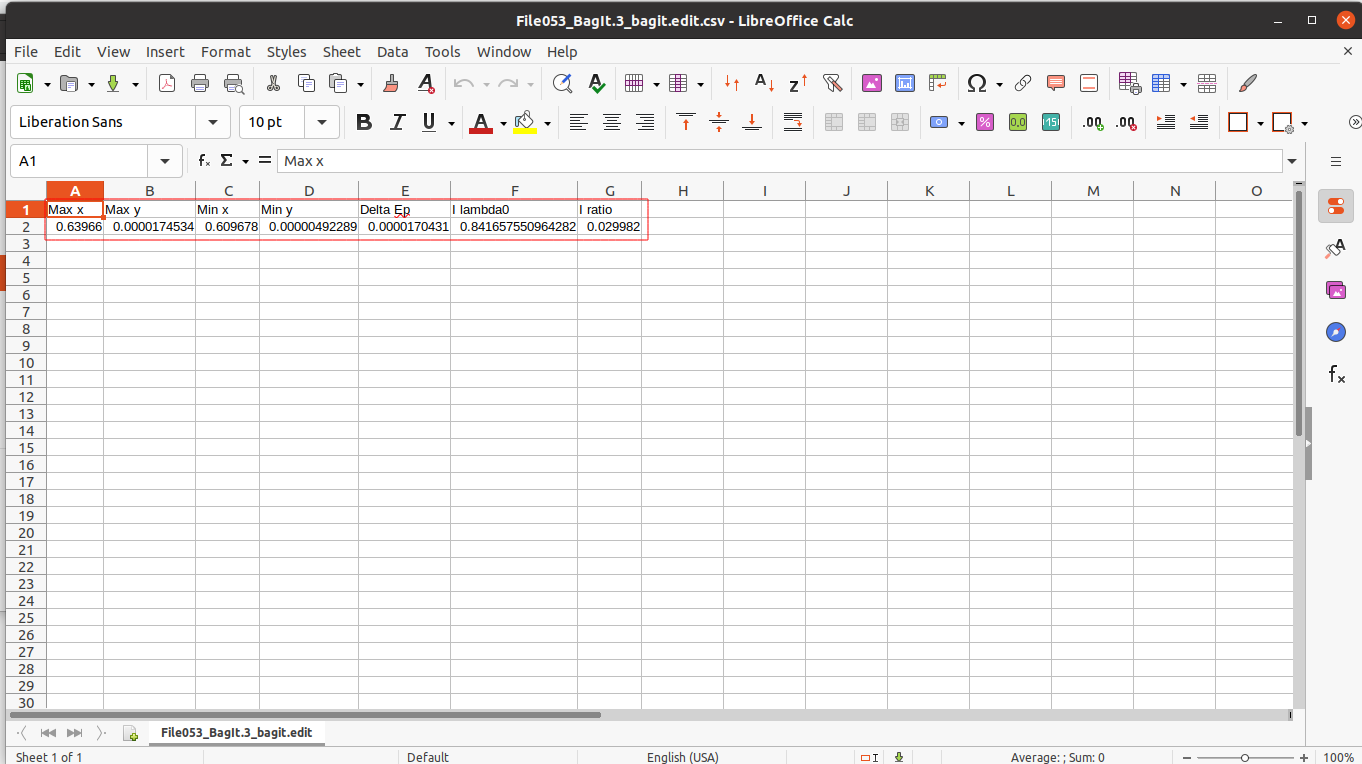
Optional Download your analyzed data in table format:
- Open analyses tab, scroll down to
Datasetssection, click on which data you want to see the details:
- Select your analyzed
csvfile to download: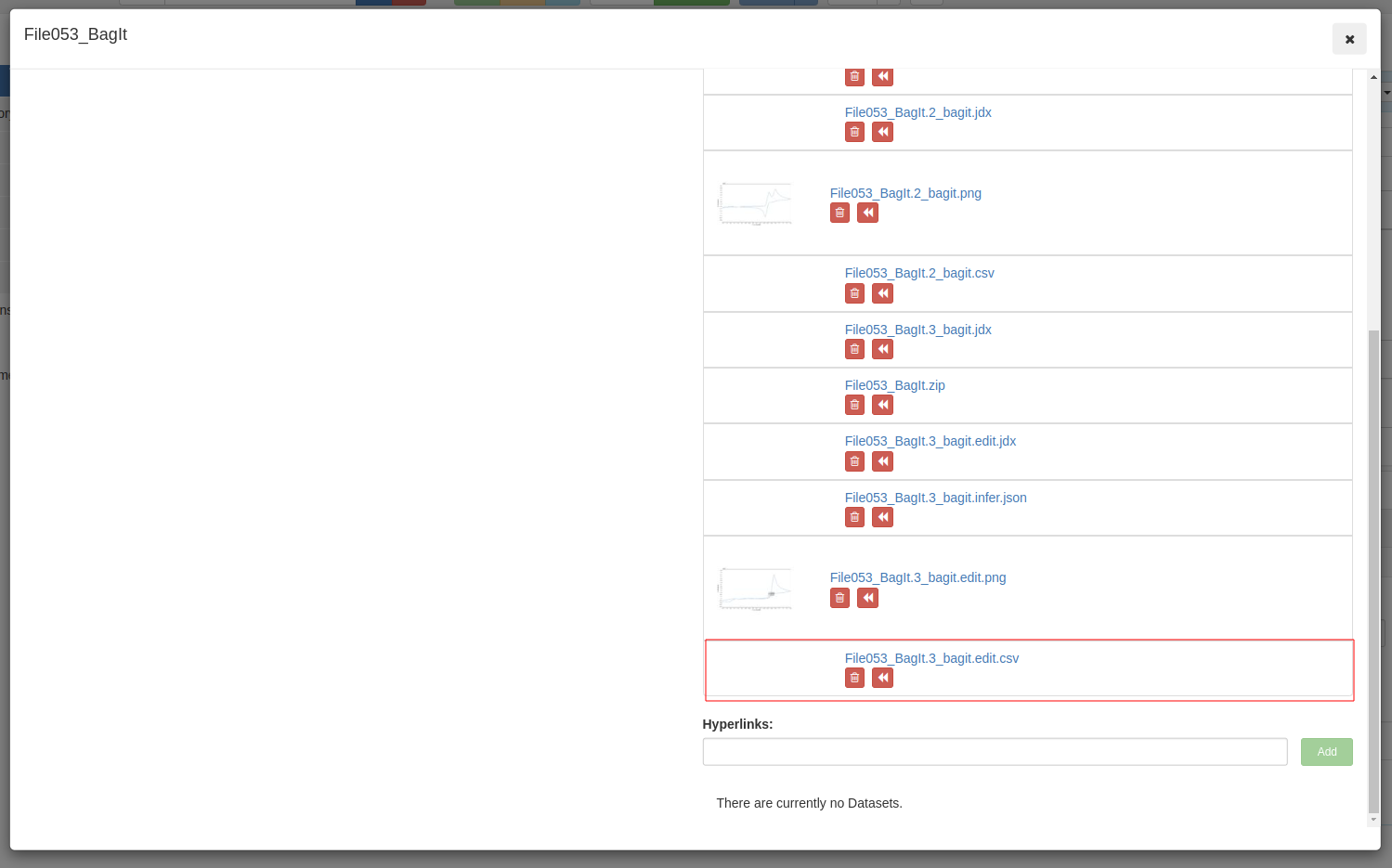
- Open analyses tab, scroll down to
Demo Video
A video demonstrating how to work with Cyclic Voltammetry in Chemotion ELN