NMR
For NMR analysis, the Chemotion team currently supports:
- when using ChemSpectra: JCAMP-DX files (*.jcamp, *.dx, *.jdx), zip (Bruker FID and BagIt) files.
- when using NMRium: JCAMP-DX files (*.jcamp, *.dx, *.jdx), zip (Bruker FID), Jeol (*.jdf), NMRium (*.nmrium) files.
When an NMRium analysis is saved, a .nmrium file and a preview image (SVG) are stored in Chemotion ELN.
The .nmrium file contains references to the associated spectra and the analysis modifications. The raw spectral data remains stored in the original .jdx or .zip files.
When ChemSpectra is available, an additional '*.edit.jdx' file may be stored for 1D NMR data. This enables the analyzed data to be opened and continued in both ChemSpectra and NMRium.
Chemotion ELN supports data synchronization between ChemSpectra and NMRium when both services are available.
Analysis using ChemSpectra
The Chemotion team currently supports 1H, 13C, 15N, 19F, 29Si, and 31P NMR techniques.
-
To upload and view their data, users can follow this instruction.
-
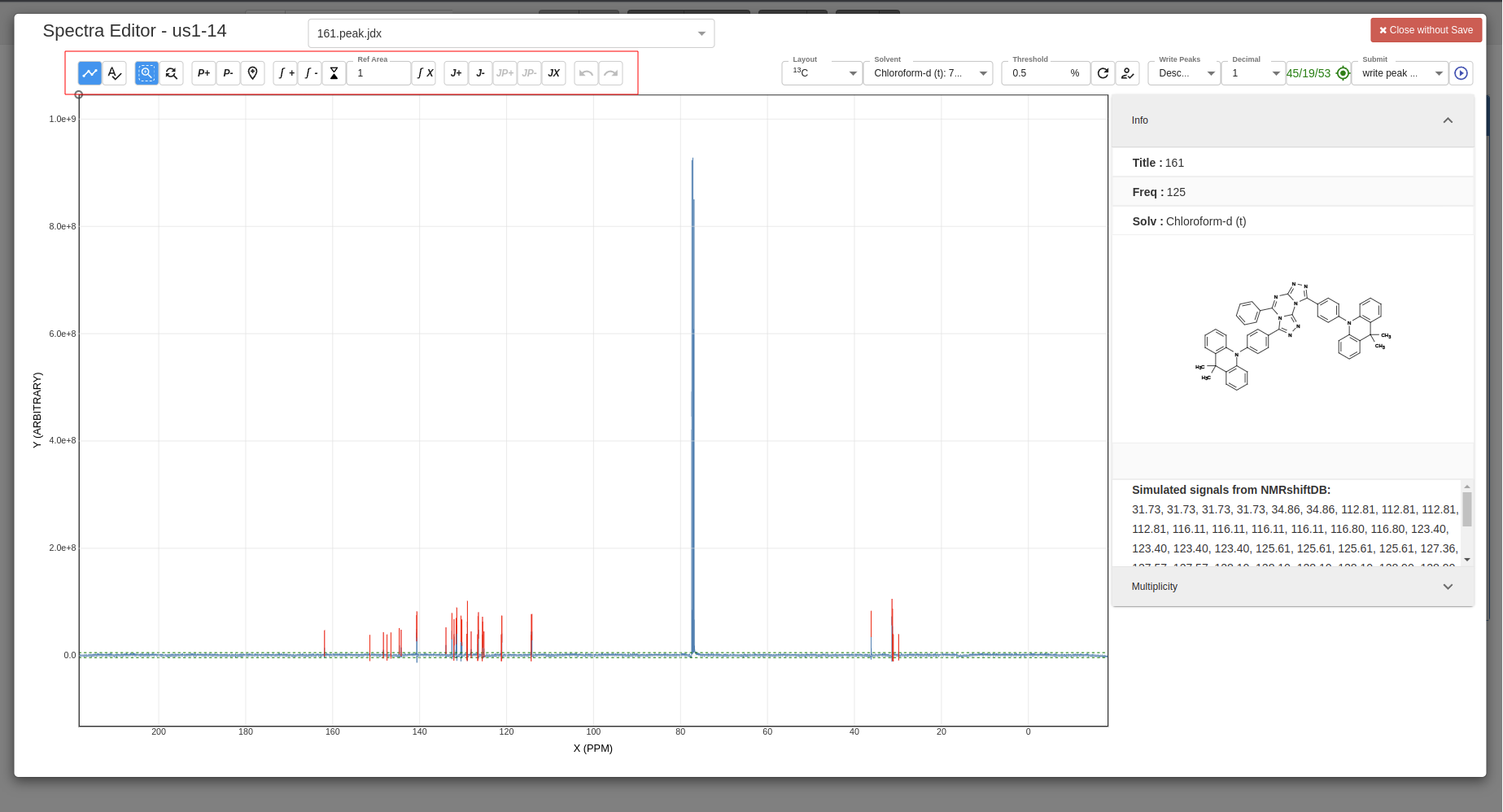
Using the tools bar to zoom in/out, add peaks, add multiplicity, etc.:
-
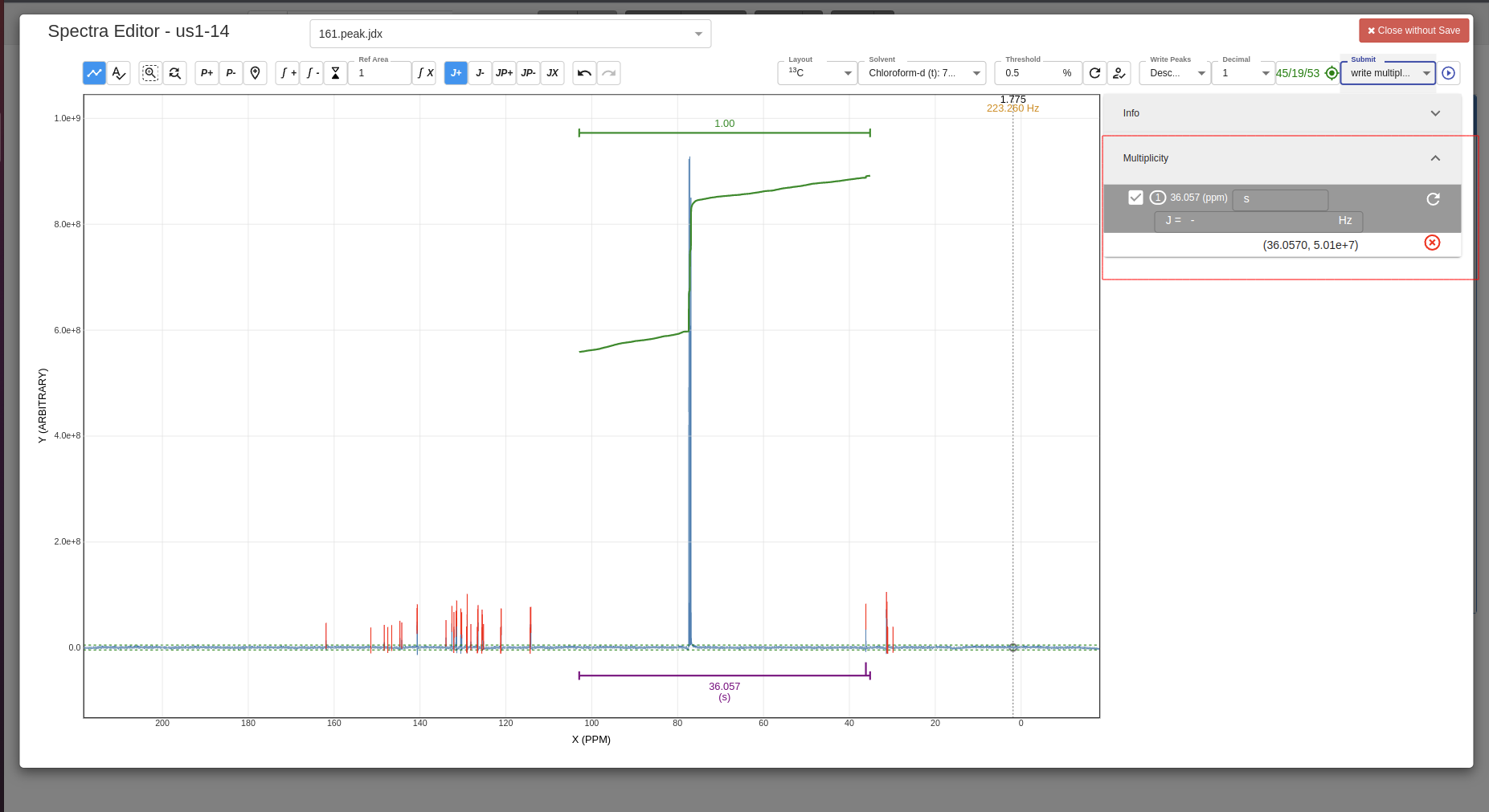
Example of added multiplicity:
-
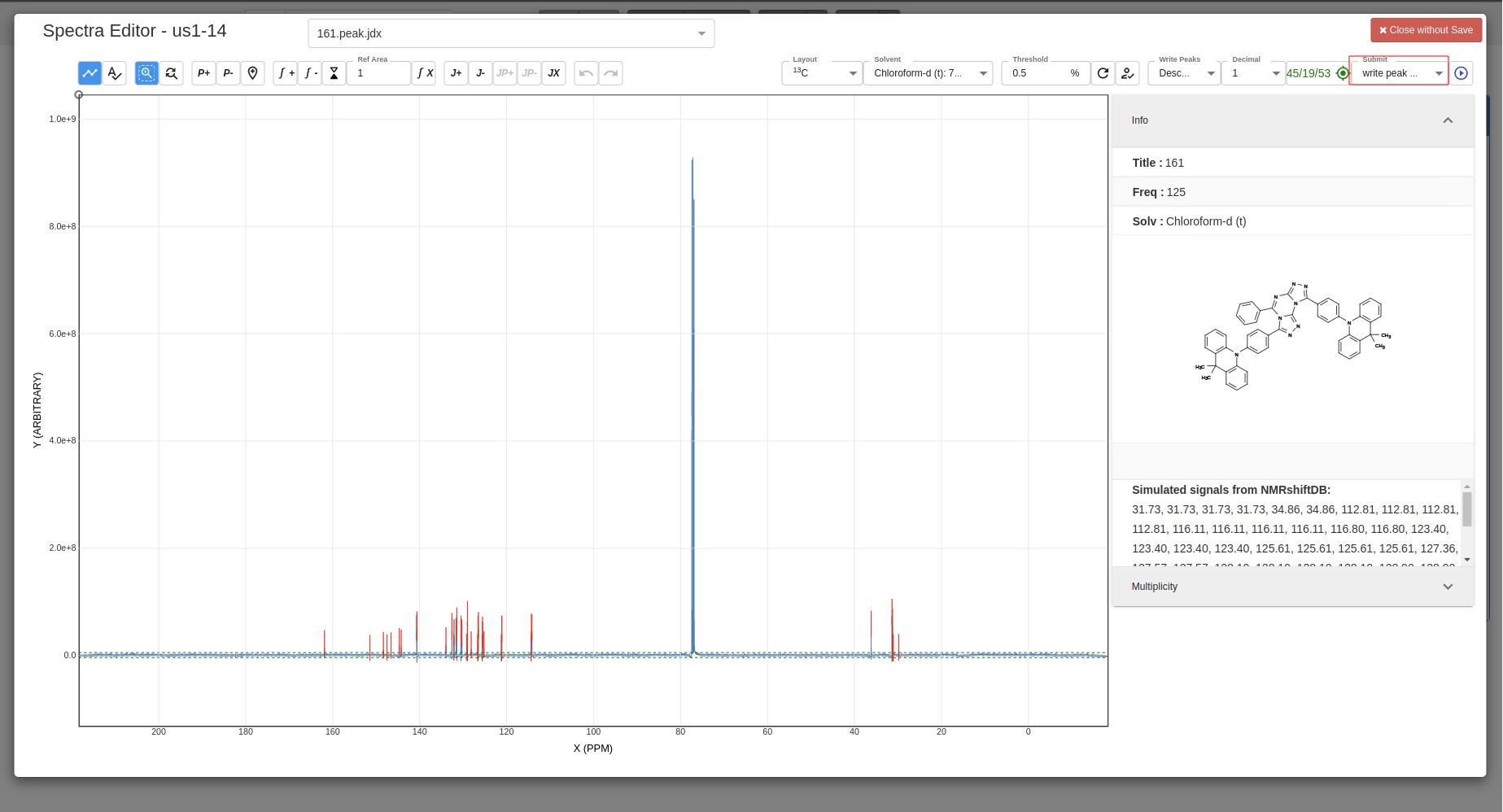
Select which data you want to be saved:
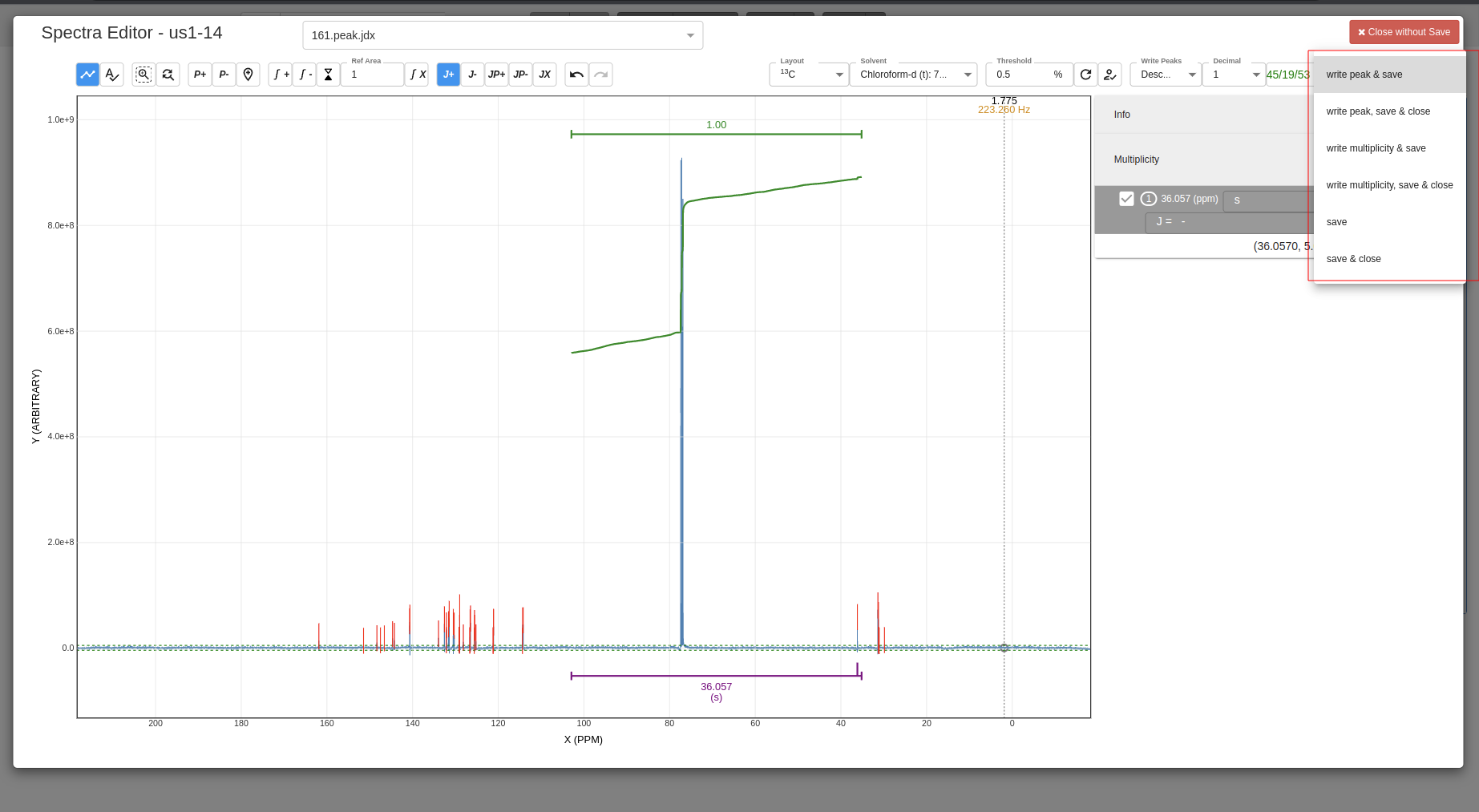
-
Confirm save:
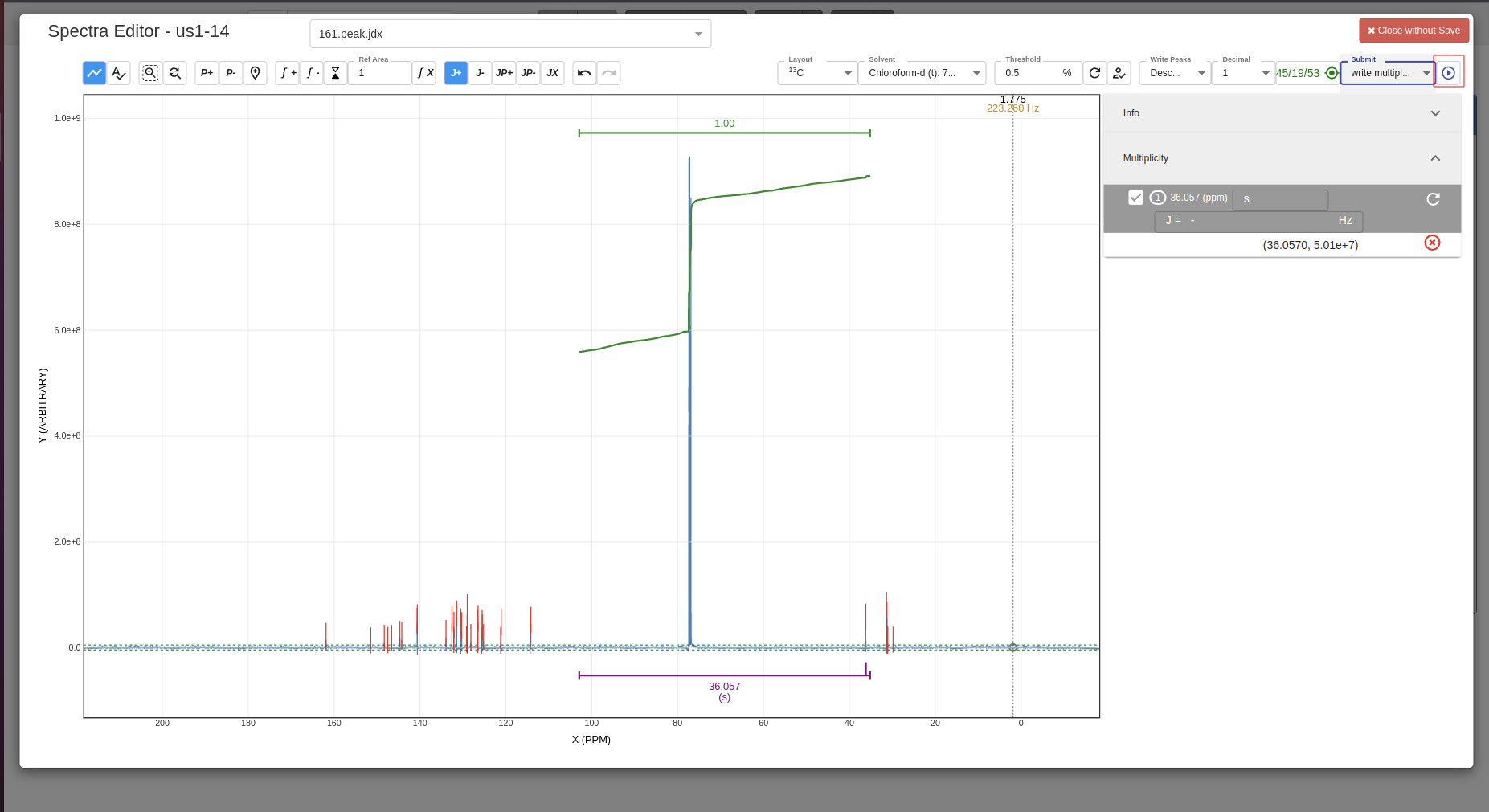
-
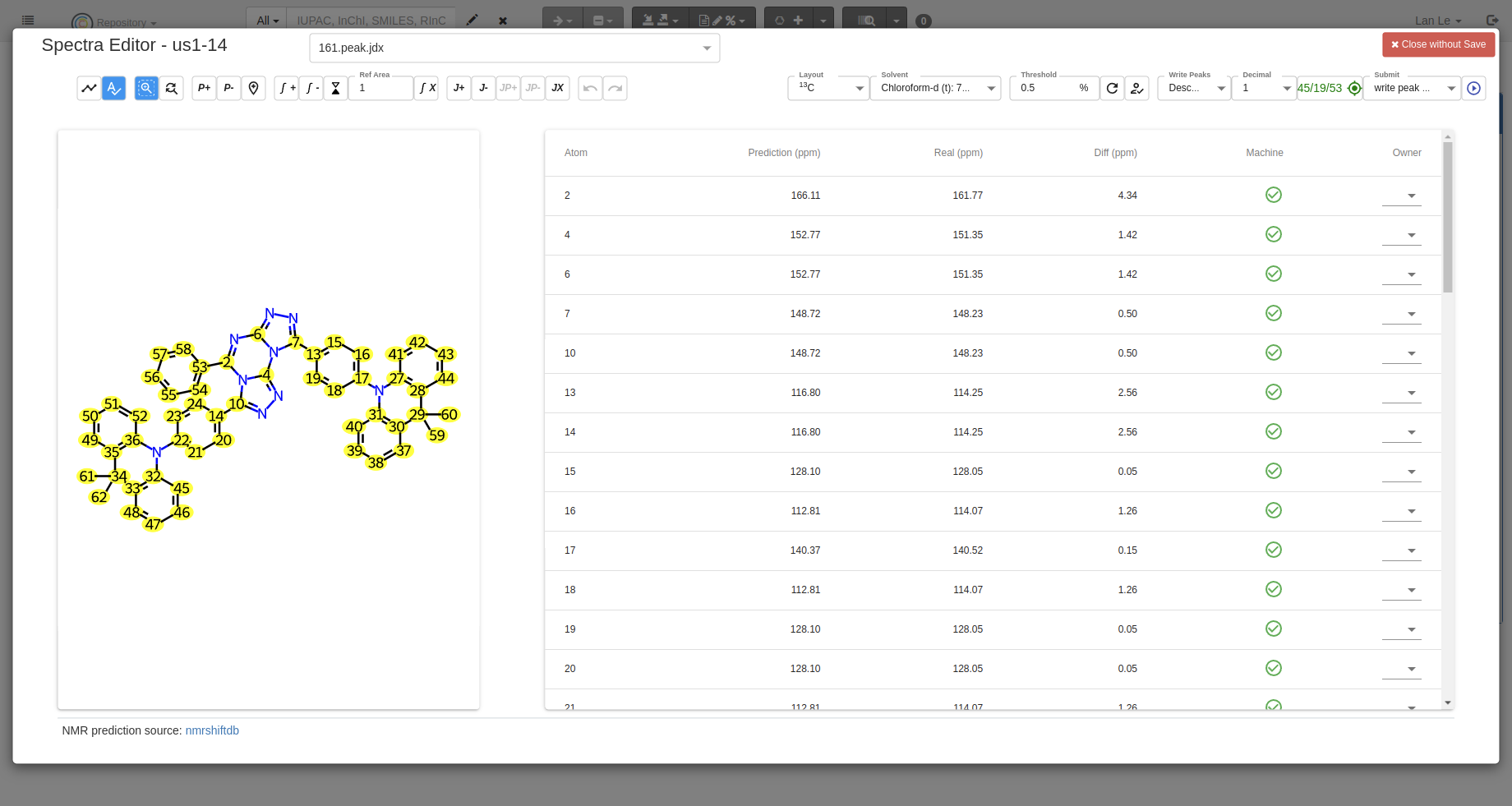
Predict NMR signals Users can predict NMR signals with the
Predictbutton; the prediction data comes from NMRshiftDB: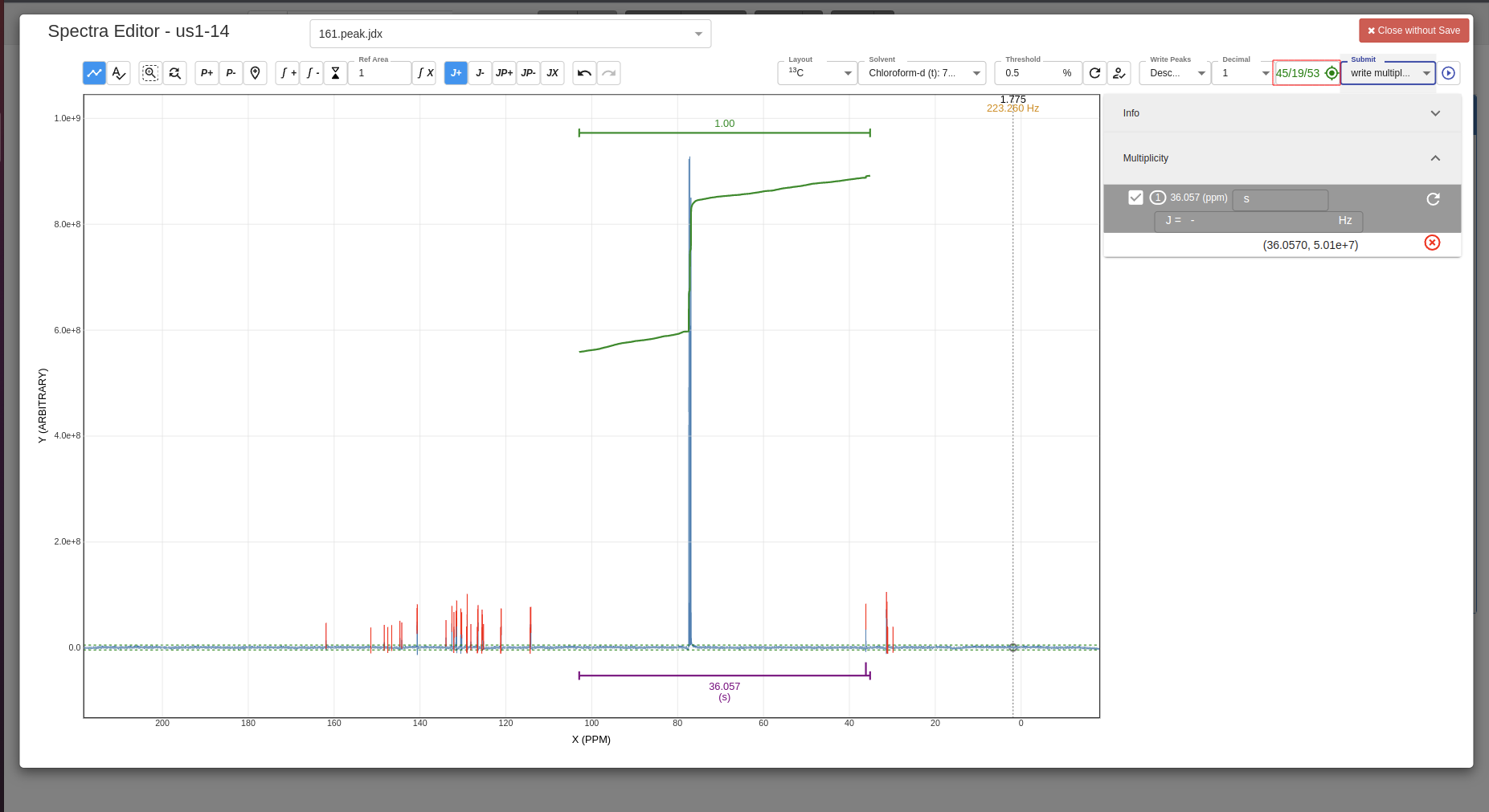
Analysis using NMRium
The official documentation of NMRium is located at https://docs.nmrium.org/
NMRium analysis files in Chemotion ELN are structured to optimise performance and loading time.
Analysis files do not embed the full spectral data. .nmrium files only contain references to the spectra and the analysis modifications applied by the user.
The raw spectral data is stored separately in .jdx files or .zip archives.
This separation results in smaller .nmrium files, faster analysis loading and reduced memory and network usage.
Demo Video
A video demonstrating how to use NMRium in Chemotion ELN
How-To
-
Users can only open NMRium after defining the
Type (Chemical Methods Ontology)as NMR: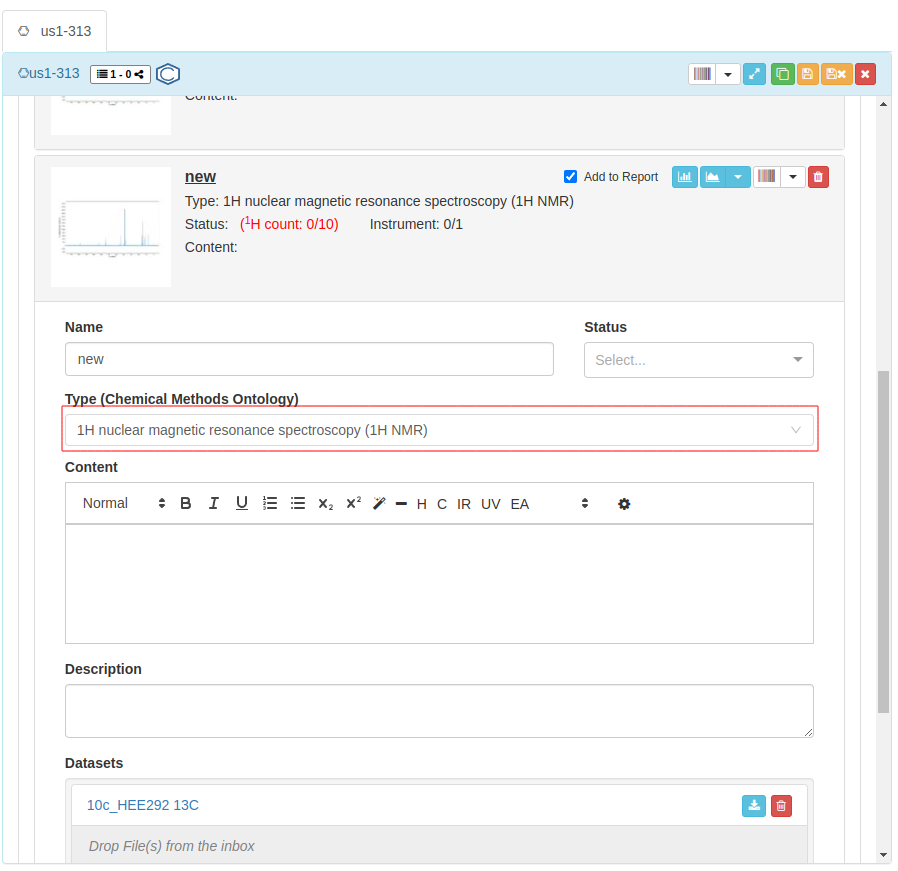
-
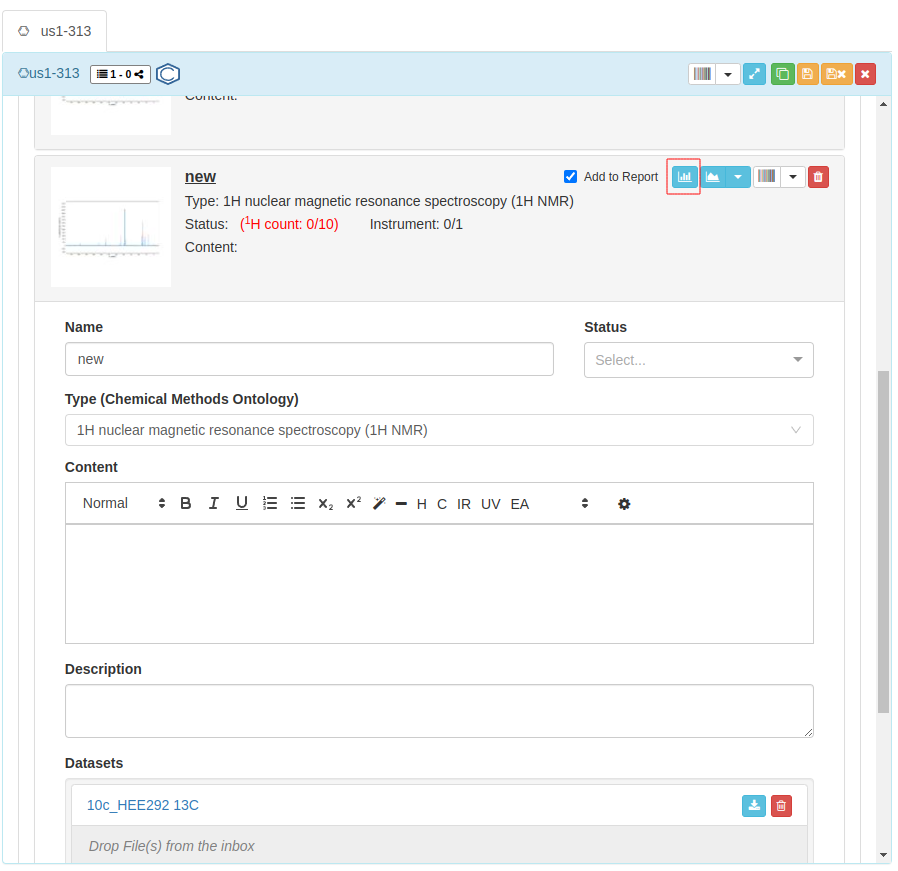
Click on the icon to open your file with NMRium.
-
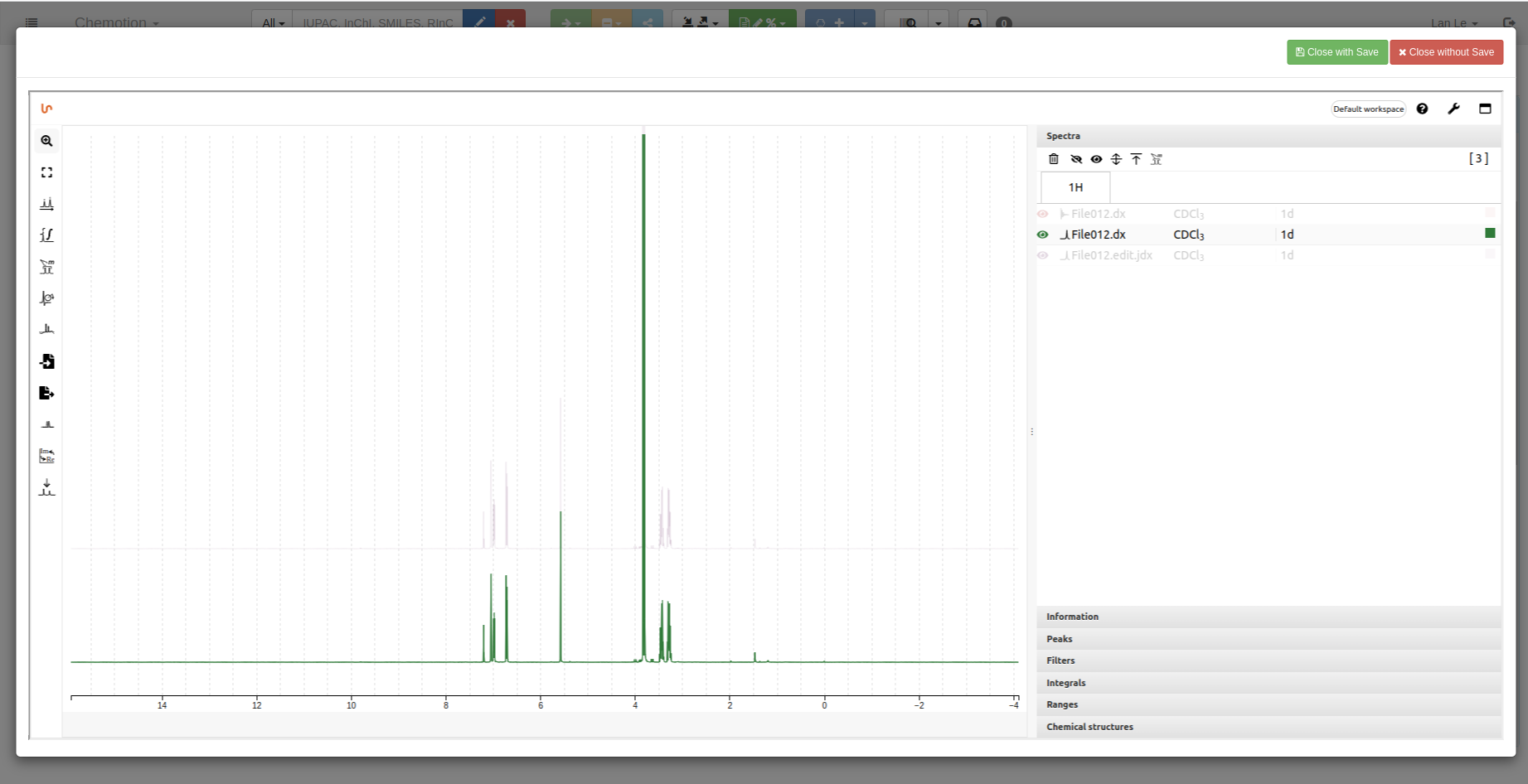
1D spectrum:
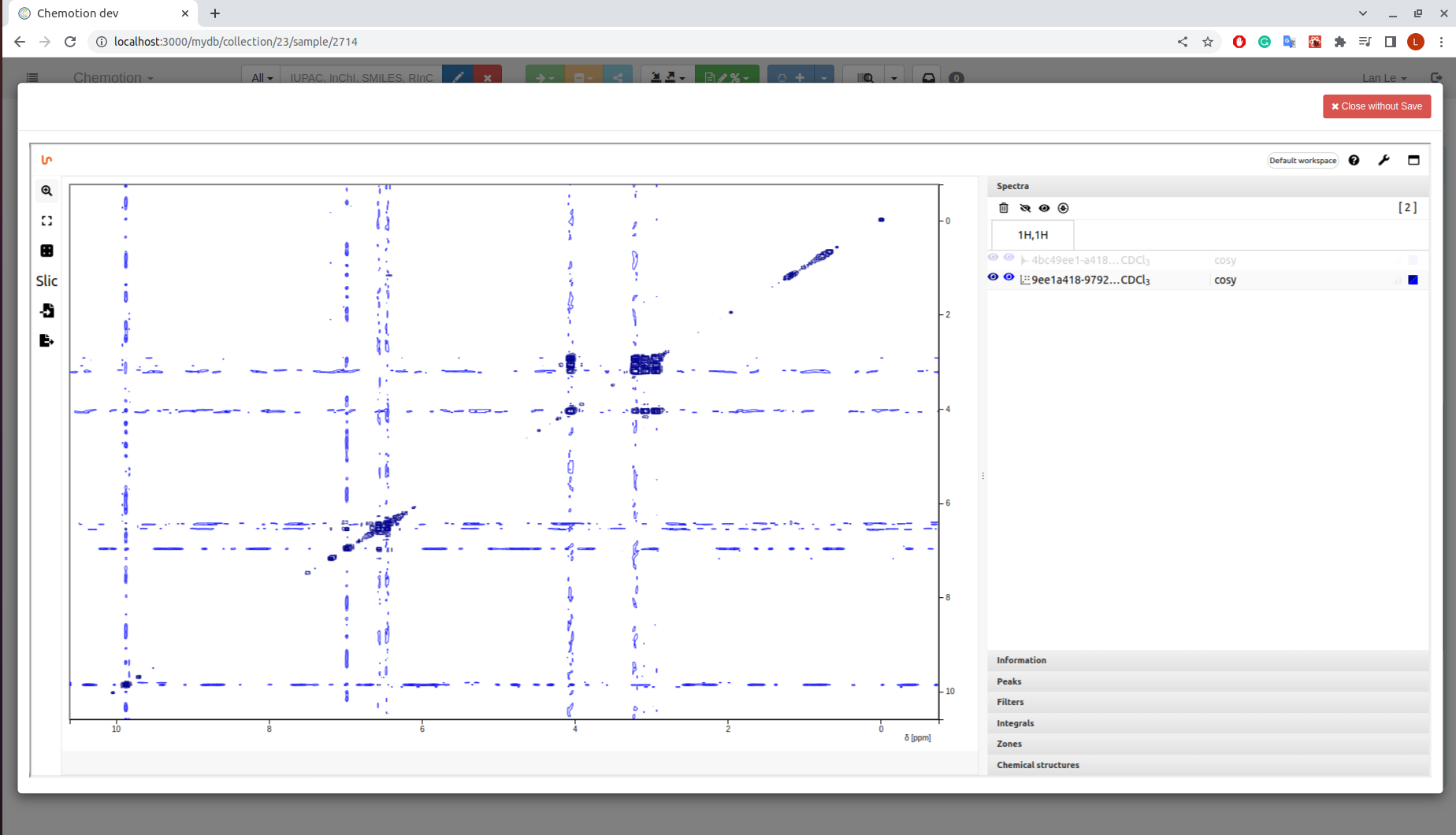
 2D spectrum
-
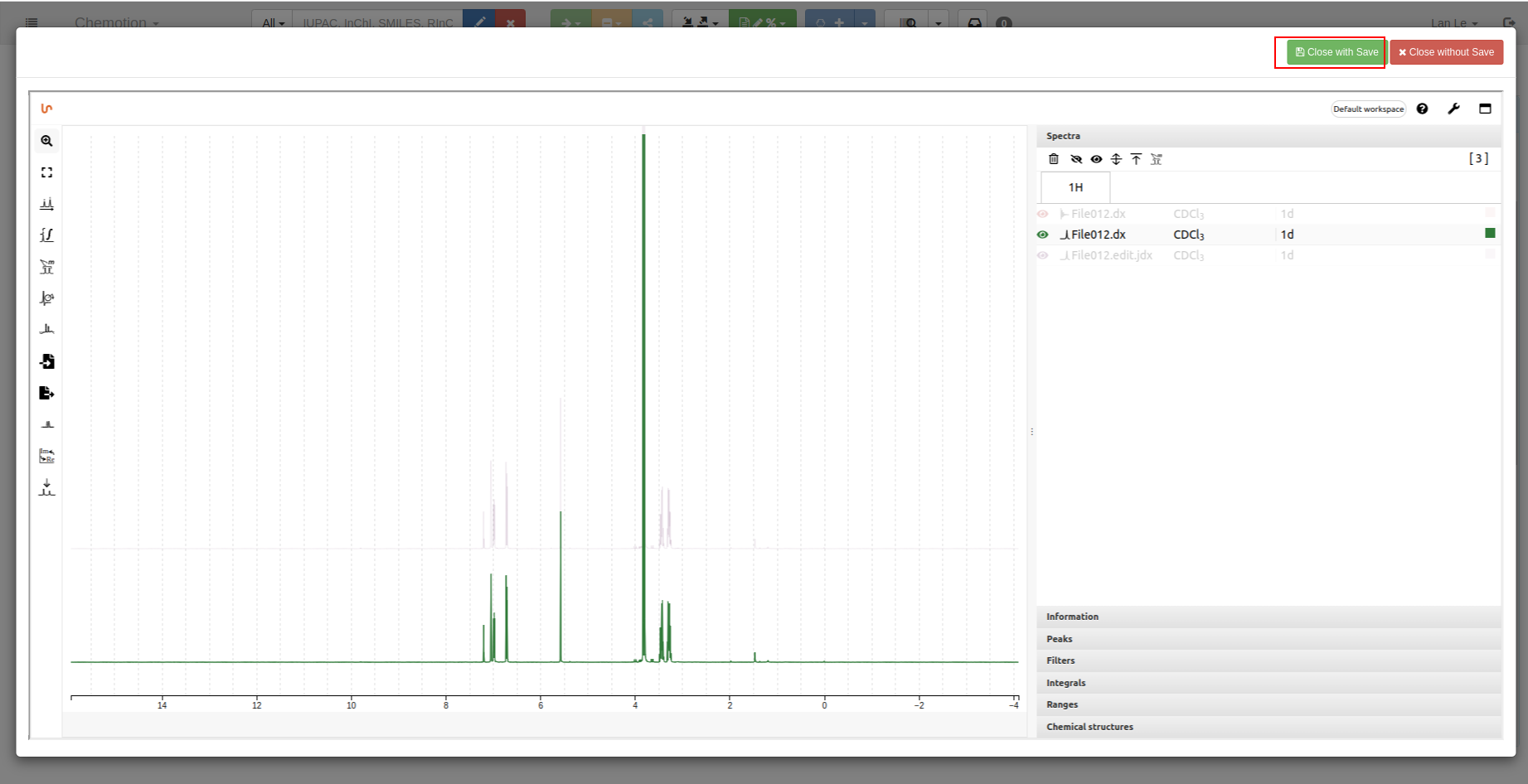
Save your analyzed data by using
Close with Savebutton: