Chemotion Repository
Chemotion Repository: https://www.chemotion-repository.net/
The Chemotion Repository is an open-access platform for managing, publishing, and sharing research data in the chemical sciences. It enables researchers to store experimental results, molecular data, and reaction information in a structured and reusable format.
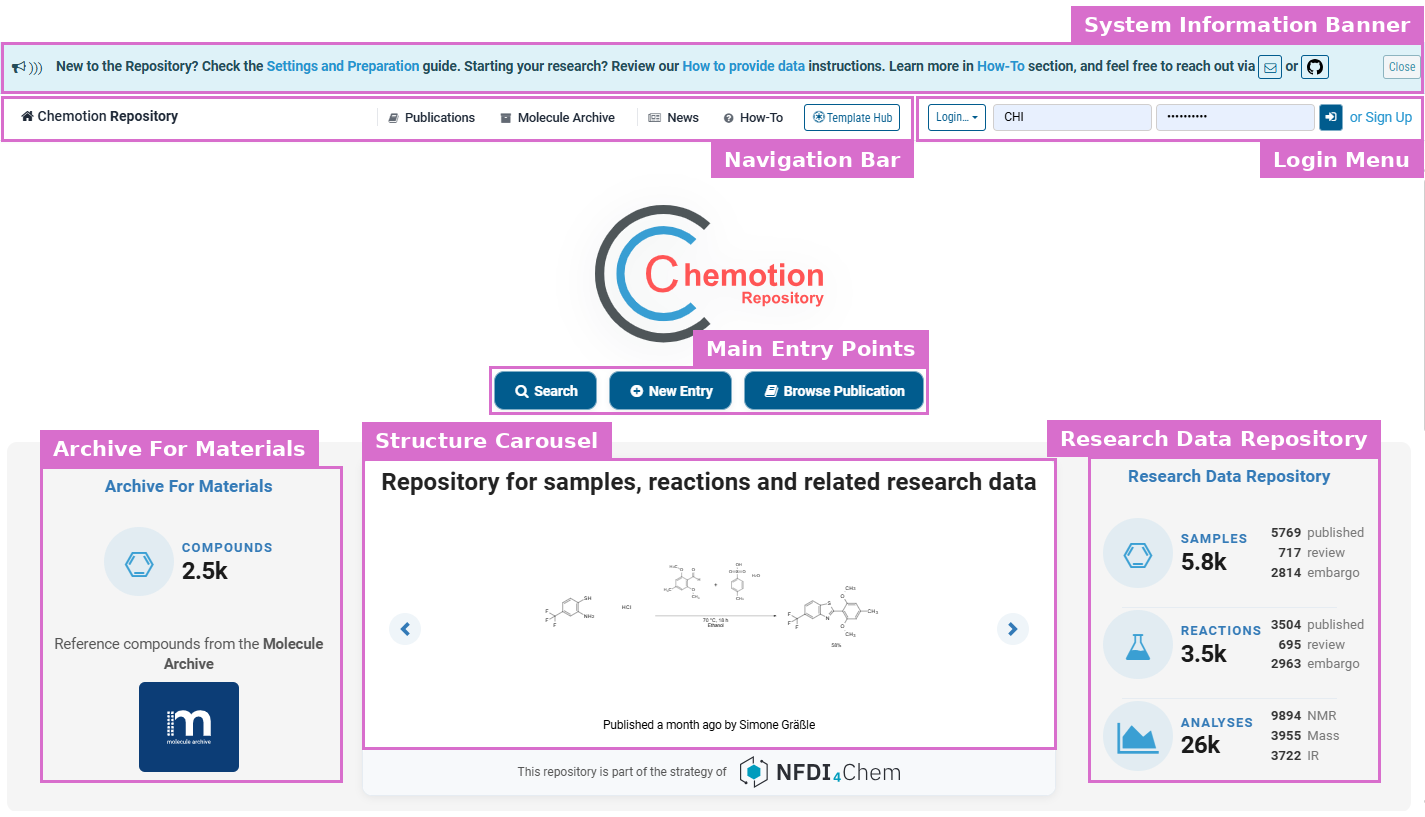
Chemotion Repository (Landing Page)
Overview of the Welcome Page
The welcome page serves as the main entry point and provides quick access to the repository’s core features:
- Navigation Bar: Located at the top, it provides access to key sections such as Publications, Molecule Archive, News, How-To and the Template Hub, and — once signed in — to My DB and the user-specific Review and Embargoed areas. The Chemotion Repository label on the left returns to this page from anywhere in the application.
- Login Menu: Sign in directly from the navigation bar, or use the Login… menu for the further sign-in options. New users register via Sign Up.
- Main Entry Points: The three central buttons — Search, New Entry and Browse Publication — cover searching the repository, starting a submission (see New Entry & Quick Submission), and browsing the published data.
- Structure Carousel: The central panel cycles through recently published structures, each captioned with when it was published and by whom.
- Archive For Materials: The left panel shows how many reference compounds are available in the Molecule Archive and links to it.
- Research Data Repository: The right panel displays the number of samples, reactions and analyses, grouped by status: published, under review, and under embargo.
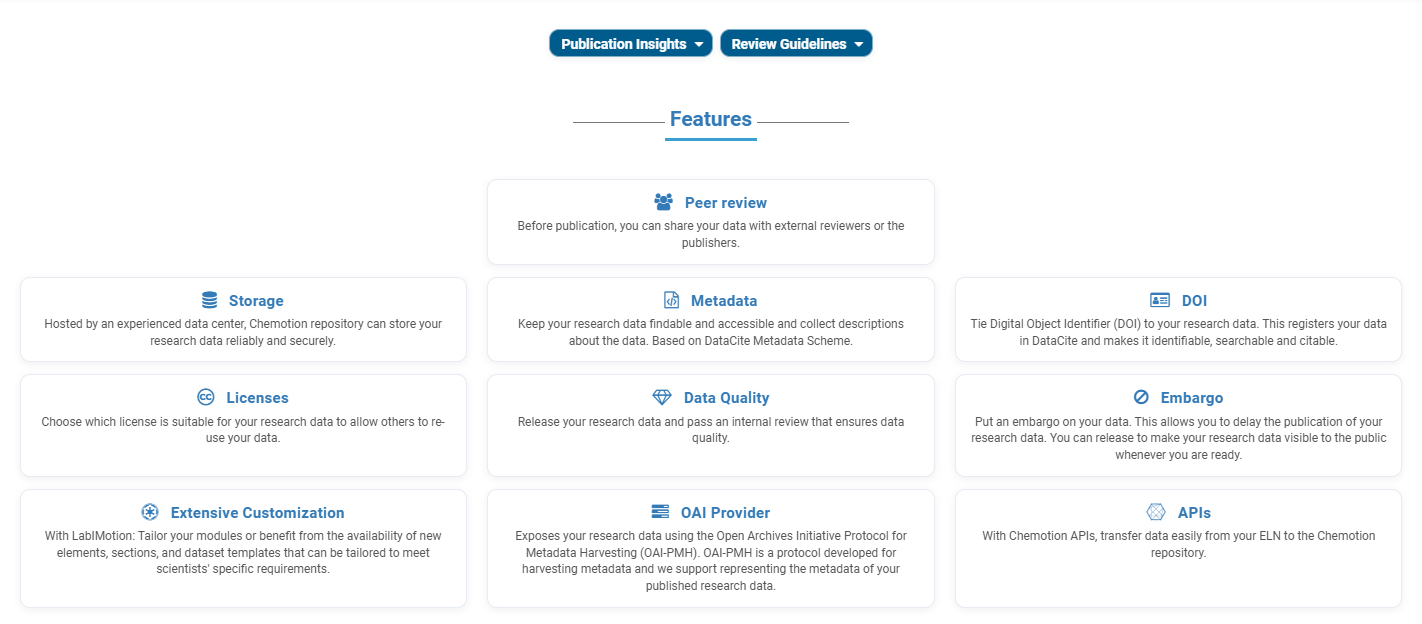
- Publication Insights and Review Guidelines: Two expandable panels below the carousel. Publication Insights reports publication statistics per year; Review Guidelines provides access to the review criteria and reviewer information.
- Features: This section summarizes the repository’s main features.
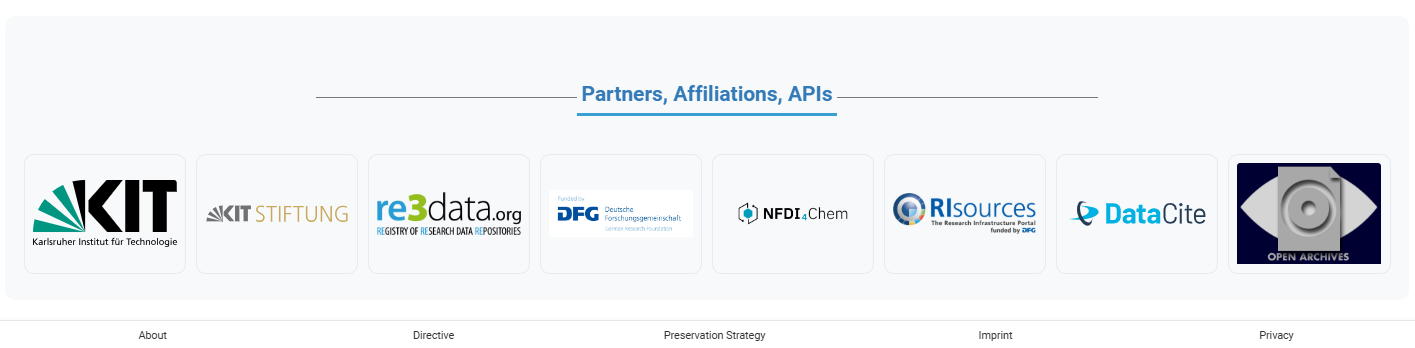
- Partners, Affiliations, APIs: The bottom section displays the logos of the partners and affiliations of the repository.
Getting Started
New users can begin by exploring publicly available data or using the search function. Registered users can log in to upload, manage, and publish their own datasets.
The Chemotion team recommends reviewing the following sections:
- Details and Standards – describes the overall idea of how to deal with data in Chemotion repository.
- Settings and Preparation – offers guidance on preparatory steps that help ensure data completeness and facilitate a smoother publication process.
- Finding Data – explains how to search and filter the Data Publications and the Molecule Archive.
- Publication Workflow – explains the repository’s publication workflow.
The following list provides a summary of videos created to support repository users.
Please use the information to improve your data handling whenever you use the Chemotion systems. Adapting to these standards is necessary to allow the re-use of the data and to facilitate the reviewing process of the repository.
How to add data
YouTube will track your interaction with them.
Data assignment
YouTube will track your interaction with them.
Create collaborators
Collaborators are the people who can be named as authors or reviewers on a submission — only someone on the collaborator list can be selected in the submission dialogs. Open My Collaboration from the user menu, look the person up by ORCID iD or by name / email, and press + Add to add them to the list. See Settings and Preparation for the full details, including how to assign a group lead.